From Scattered Thoughts to Action: How to Turn Notes into a To-Do List
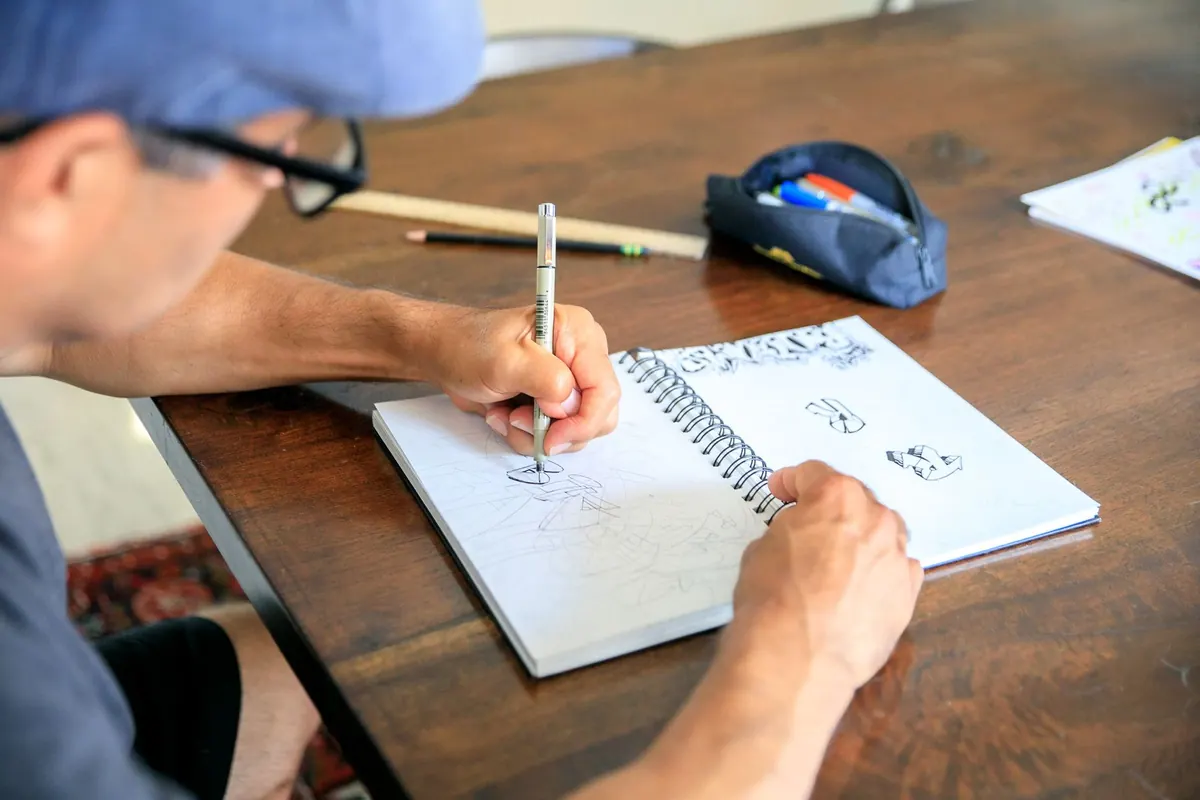
There is a particular kind of notebook page that looks productive and turns out to be useless. Half a meeting, a phone number with no name beside it, three ideas joined by arrows, and the words "chase Sam" written in the margin. Writing it down was the right instinct. But a page of fragments is not a plan, and the longer it sits, the less it means.
Turning notes into a to-do list is less about tidying and more about translating. You read what you captured, work out what it is actually asking of you, and write it in a form you can act on without stopping to think. The process takes about fifteen minutes for a busy notebook page once you have done it a few times.
Why notes resist becoming tasks
Notes are written in the language of the moment. Tasks have to be written in the language of the future. That mismatch is why a line such as "budget thing with Priya" can sit on a page for a fortnight without moving. It could mean you owe Priya figures, that Priya owes you figures, or that the two of you need to agree a number before Friday. Until you decide which, your brain keeps reopening the file.
The fix is a two-stage process: separate first, decide second. Most people try to do both at once, which is why the page stays messy.
Empty the page before you organise it
Take a fresh sheet of paper, or a blank document, and work through your notes in order. For every fragment, write one line. No sorting, no judgement, no crossing out yet. A shopping list item, a half-formed idea and a question for your accountant all get their own line.
A few things help here:
- Read the page forwards, then backwards. Later notes often explain earlier ones, and meaning is easier to spot in reverse.
- Keep the original page nearby. You will need the context when a line is ambiguous.
- Do not merge anything yet. Three similar lines might turn out to be one task, but that is a decision for the next stage.
This step feels mechanical, and that is the point. Separating fragments is the cheapest way to stop a page feeling like one overwhelming blob.
Sort every line into one of four piles
Now decide. Each line belongs in exactly one place.
- Action. Something you need to do: "Email the venue about parking."
- Waiting. Something someone else owes you. Write it as a follow-up with a date: "Chase Sam about the quote — Monday."
- Reference. Information worth keeping that is not a task. Login details, a figure you might quote, a book title. Move it to your notes app or a reference file and let it leave the list.
- Gone. Duplicates, abandoned ideas, and anything you cannot interpret and do not miss. If a line means nothing to you now and you have not thought about it since, it has already done its job.
Be honest about the reference pile. It is where tasks go to hide. If something would take under two minutes to do, do it rather than filing it.
Rewrite each action as a real task
A task you can act on starts with a verb and names a concrete outcome. "Budget" is not a task. "Send Priya the revised figures and ask her to confirm by Thursday" is.
Before: "conference thing". After: "Email three venues near the station and ask about availability in October".
Three things every rewritten task needs:
- A verb that describes the actual act — call, email, draft, book, ask, print.
- An object or person, so you know what the task touches.
- The first step, if the task is bigger than one sitting. "Plan the workshop" is vague; "Draft the workshop agenda in a new document" is something you can begin in thirty seconds.
If it takes more than one sitting, it is a project
"Sort out the website" is a project, not a task. Projects do not belong on a to-do list because they never get ticked off, and an item that never closes slowly becomes invisible. Keep a separate project list with one line per project, and put only the next action on your task list. When that action is finished, add the one after it.
Prioritise without pretending everything is urgent
Most lists are too long because they mix three different things: what must happen today, what should happen this week, and what you would like to happen eventually. Split them and the list gets shorter and more honest.
- Today. Three to five items that genuinely have to happen, plus small errands. Fewer if your day is full of meetings.
- This week. Tasks with a day attached, not just a week. "Thursday" beats "sometime".
- Later. Parked items you review weekly. Most things belong here.
- Waiting. Follow-ups with a date, so they come back to you instead of being forgotten.
When you are unsure about the order, ask three questions. What breaks if this does not happen? Who is waiting on me? Which one is quick and would clear space in my head? The answers usually settle the argument in under a minute.
Give each task a time and a place
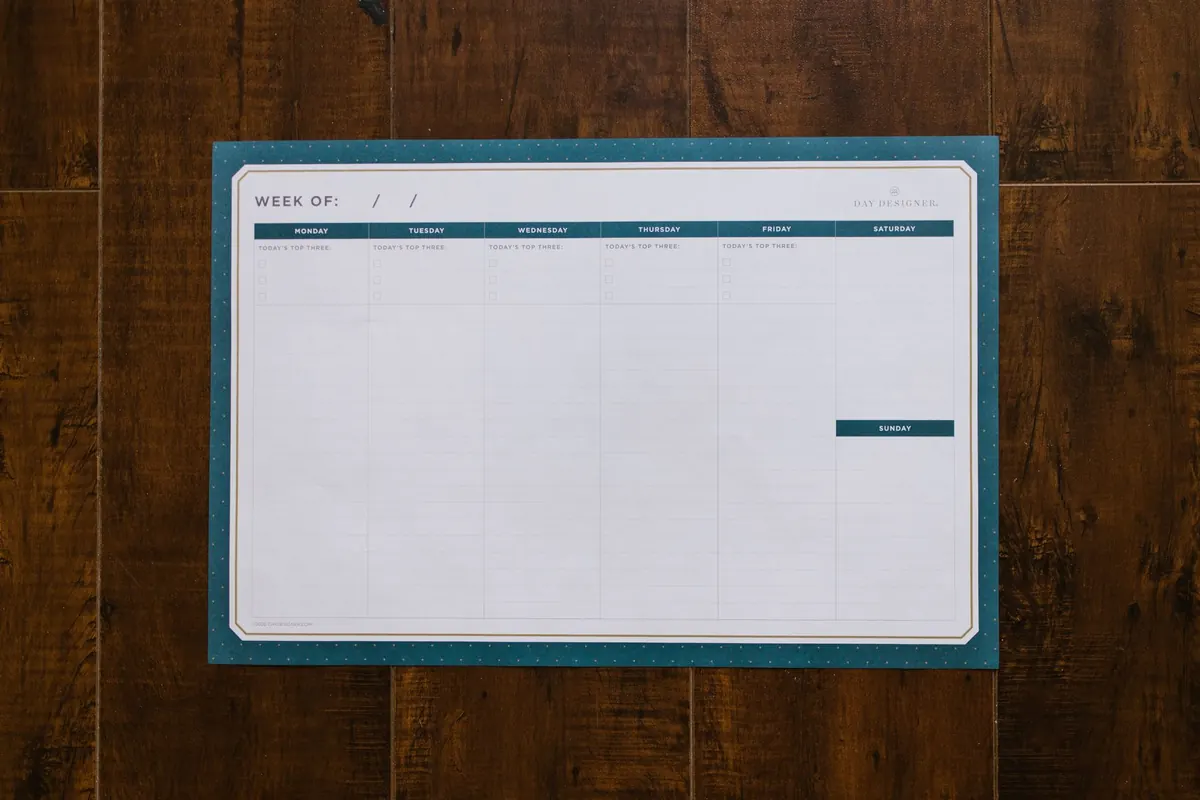
A task with no "when" is a wish. Anything tied to a specific hour — a call, an appointment, a deadline — belongs in your calendar, not on a list. Everything else needs a day, and a rough sense of where it will happen: at the desk, on the train, in the ten minutes before a meeting.
Match the work to your energy rather than fighting it. Drafting and thinking tend to be easier earlier in the day; admin and tidying often fit better into the dip after lunch. If a task keeps sliding from one week to the next, it is often because it has been scheduled against your natural rhythm rather than with it.
A ten-minute weekly review
Once a week, sit down with every scrap of paper, every note on your phone and the back of any envelope you have been carrying around. Run the same process: empty, sort, rewrite, prioritise. Then check your waiting list and choose tomorrow's three items before you close the notebook.
Keep the raw pages for a week in case you need the context, then recycle them. If something mattered, it is now on a list in words you can act on. That is the whole trick: your notes are the raw material, and the list is the output. Once you stop treating them as the same thing, "chase Sam" becomes a task with a date beside it — and the page stops nagging you.
Photo: kaboompics / Pixabay
You Might Also Like
A practical guide to shaping a notebook around the UK year, from bank holidays and tax deadlines to term dates, with a quarterly review to keep it working.
A practical beginner's guide to daily journaling: simple routines, prompts that generate ideas and prompts that refine them, plus a weekly review to turn pages into usable thinking.